01
Serial
Type the 16-digit serial printed on the back of your Nol card. We never ask for a PIN, password or one-time code.
Dubai · Nol card top-up portal
A bilingual Dubai-based service that turns the chore of topping up a Nol card into a thirty-second errand: type the public serial, choose an amount, finish the load on the next page.
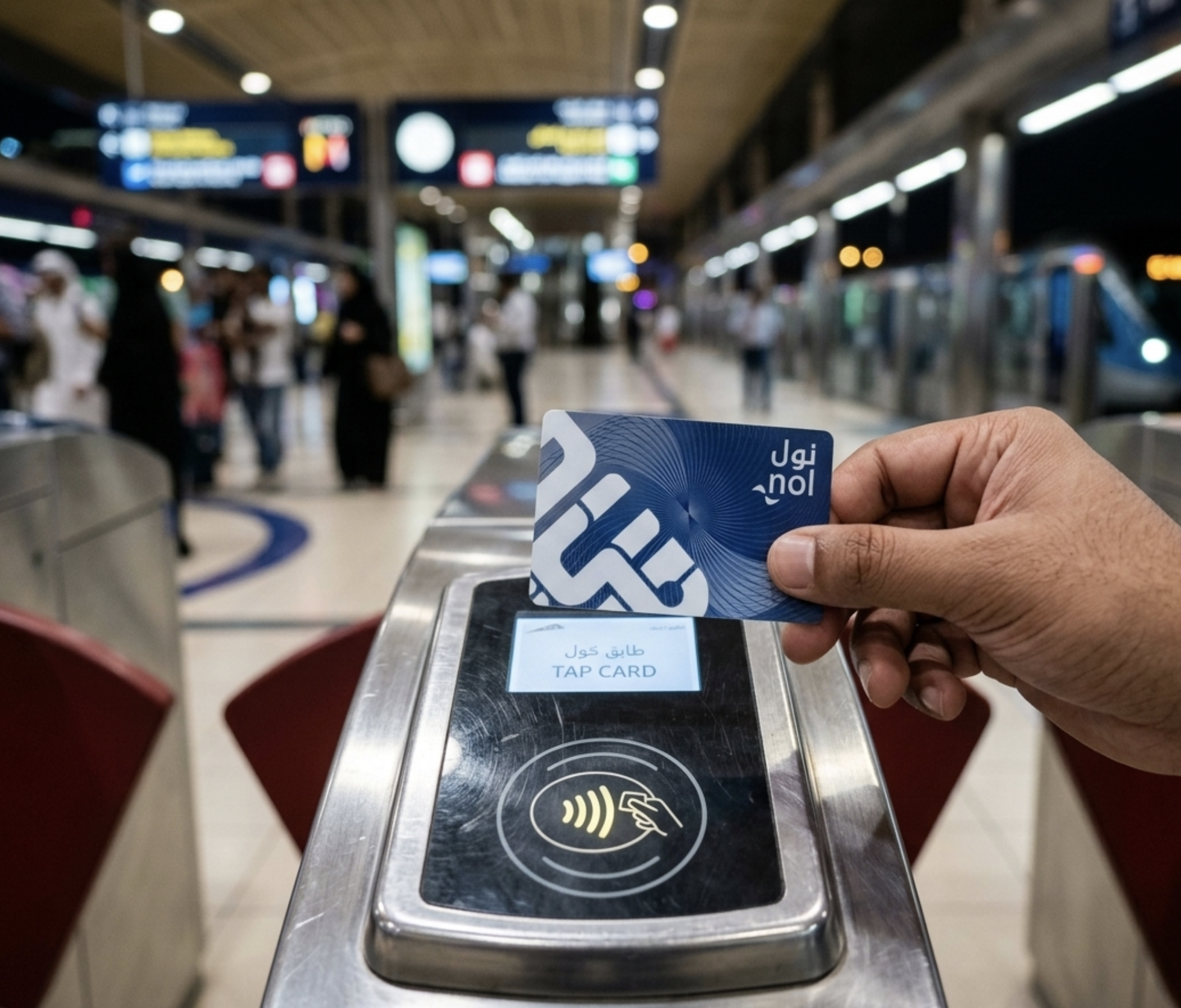
We are a small Dubai-based outfit. We are not the Roads and Transport Authority — we are a private intermediary that takes a card serial, takes the requested amount, and routes the load through the standard rails.
"I send the form on the metro and the credit lands by the time I tap out at JLT. Beats waiting at the kiosk before work."
"My father prefers Arabic and the team never breaks character. He rang once, got a clear answer, and now sends me requests on WhatsApp."
"Two fields and a card payment that looks like a bank checkout. That is the entire story for me."
We hold the request, route it through the standard rails, and confirm in writing once the credit lands on the card.
01
Type the 16-digit serial printed on the back of your Nol card. We never ask for a PIN, password or one-time code.
02
Pick a preset (AED 25, 50, 100, 200) or enter a custom number within the limits set by the issuer.
03
Continue to the secure payment module. Visa or Mastercard, 16-digit number, three-digit verification code on the back.
04
The new balance becomes available on your Nol card on the next tap-on at any metro, tram or bus reader.
Card issuance, validation and travel pricing remain with the Roads and Transport Authority of Dubai. We top up the three e-purse cards (Silver, Gold and Blue). The Red ticket is paper, sold by trip pack at metro vending machines.
Red is bought at metro vending machines — we do not load it online.
No. We are NolDubaiCard Services FZ-LLC, a private Dubai-registered company. The Nol card is issued and run by the Roads and Transport Authority of Dubai (rta).
Only what the form collects: the public 16-digit Nol serial, the amount you requested, and a short order reference we generate.
Because we are a separate company. We are a private intermediary.
Service fees, if any, are agreed in writing before any movement. They are shown on the payment page in the order summary.
The three e-purse cards: Silver, Gold and Blue. The Red Nol ticket is a paper product loaded by trip pack at metro vending machines.
Open the form, type the serial, pick an amount. The rest is a card payment that looks like any bank checkout.